Your knowledge, connected for you
Learn with people. Collaboration stays connected.
Private-by-default lifelong learning
Your notes stay in your private library. Personal models can learn from
what you review — and run close to you or in the cloud under your rules.
- Agent help with clear consent
- Calendar, Docs/data, tasks, and Flows you own
- Personal models from your learning
- Local or cloud — your cost and policy
- Algorithm-free open-range threads — coming
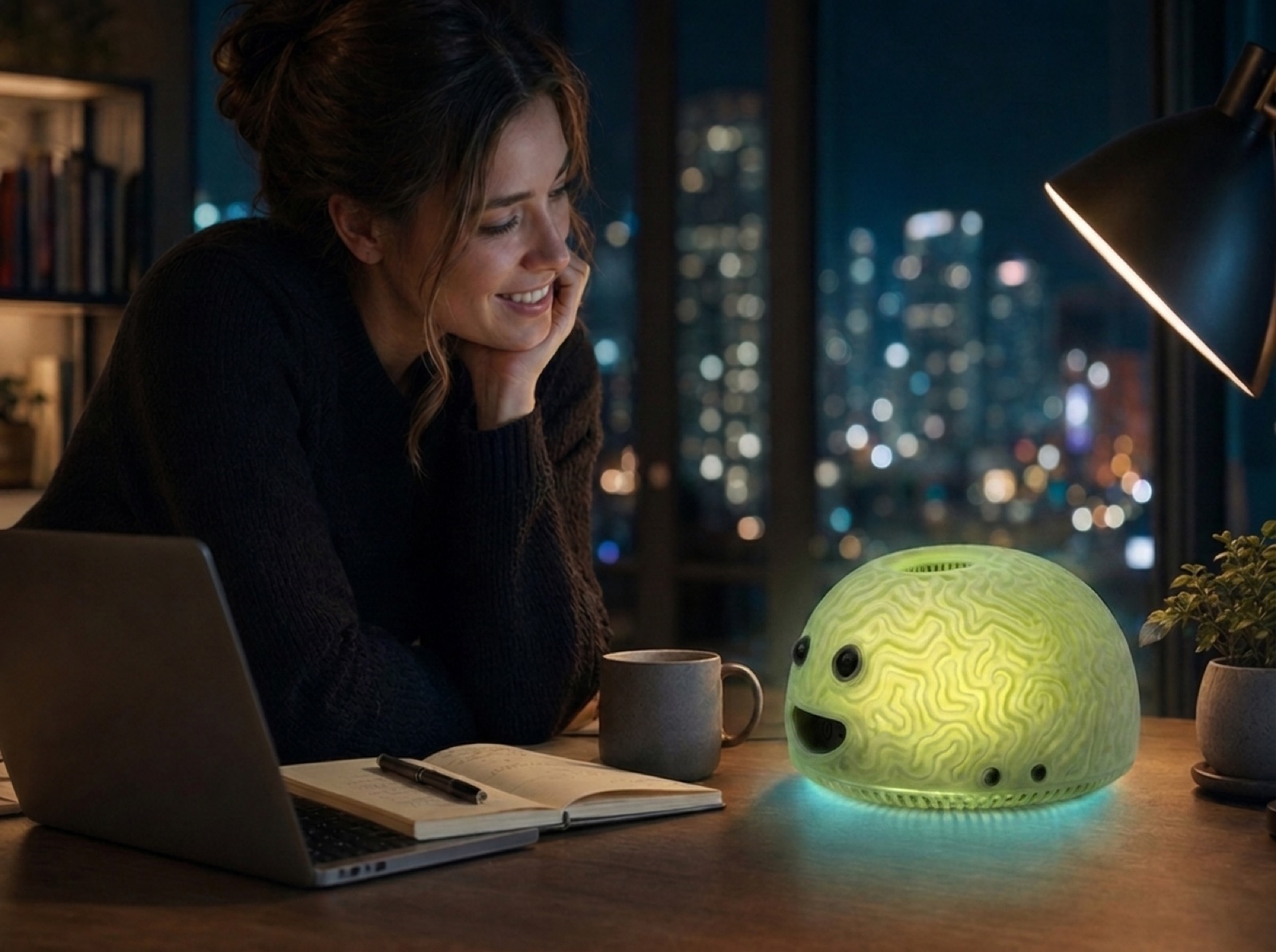
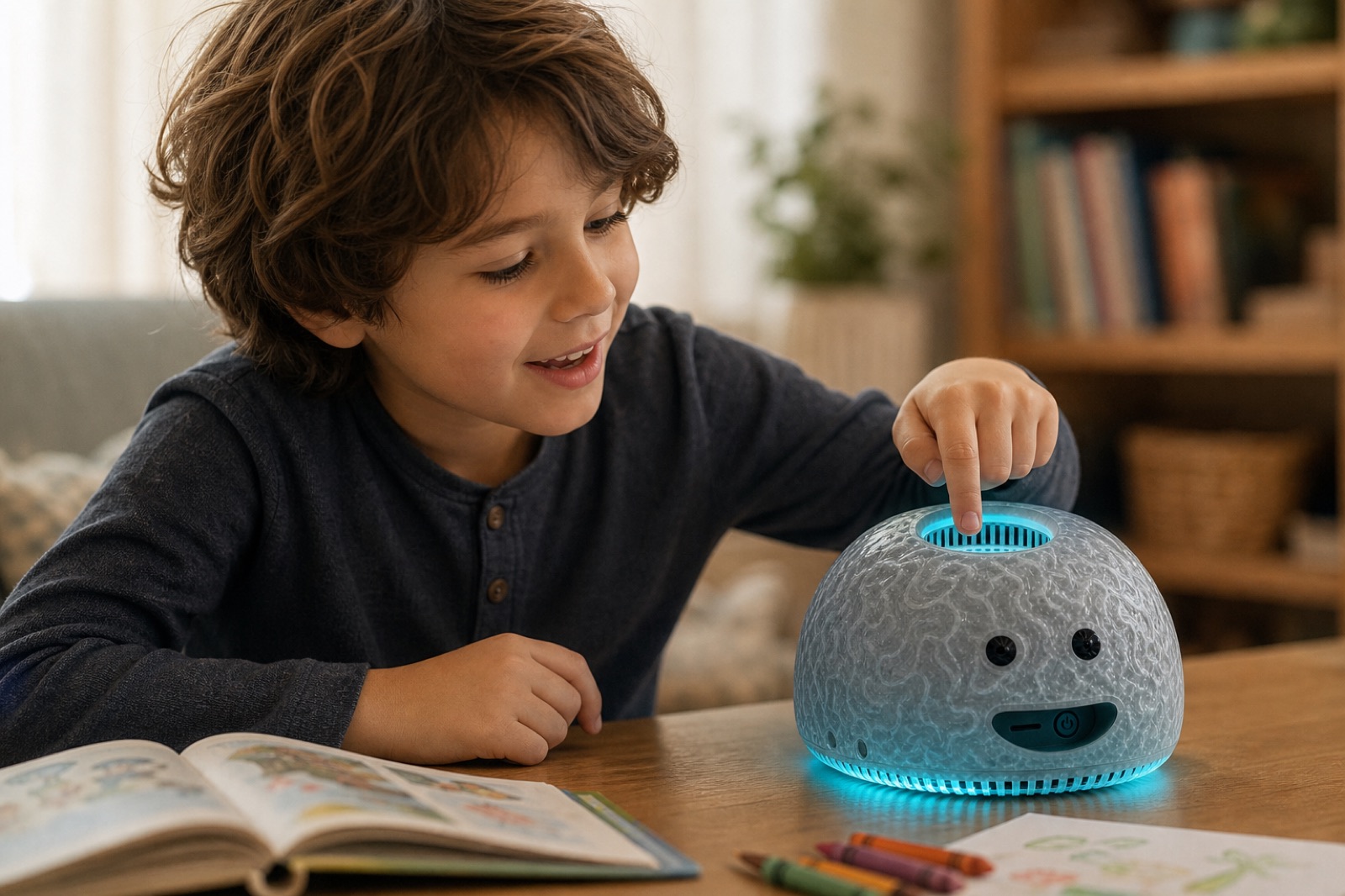
theBRAIN
Bring private AI into your space.
A companion for the room — office, classroom, lab, factory, and meeting.
Scooling is the software that powers it.
See how it lives in a spacePlatform highlights
Learning is cool
Explore Flows, calendar and tasks, and models. Each area shows Live, Preview, Pending, or Operator so you know what is ready.
FlowsLive
Browse and capture procedures — full automated runs stay separately gated.Agent ownership & delegationPending
Consent before anyone acts for you — grant setup stays pending.Calendar & agent tasksLive
Connect a calendar and work tasks — silent writes stay off.Model output studioPreview
Fixture compare and analyze — live multi-model runs stay gated.
Choose a starting point
Scooling meets you where your work begins.
Start alone, teach a group, organize a lab, run an organization, build with a team, or bring in the knowledge you already have.
Learn on my own
I have a question, goal, or project.
Start a private path, connect what you already know, and review every saved change.
Your personal notes stay private unless you choose to share.
Create a pathTeach or mentor
I want to guide people without taking over their knowledge.
Create scoped guidance, review shared work, and keep personal learner vaults protected.
Teachers and mentors see only class-scoped or explicitly shared work.
Plan a workspaceRun a research lab
I need protocols, literature, reviews, and reproducible context.
Organize lab knowledge, decisions, reviews, and future model paths around approved sources.
Lab access stays bounded by workspace policy and review assignments.
Start a lab spaceSet up an organization
I need shared learning with visible policy.
Prepare roles, review queues, policy visibility, and approved knowledge scopes for a group.
Organization policy must be visible before access expands.
Open SpacesBuild with a team
We want project memory, decisions, and feedback in one place.
Create a project workspace where drafts, documents, reviews, and decisions stay connected.
Team spaces do not expose unrelated personal notes.
Start a workspaceConnect your stuff
I have files, folders, exports, or tools I want to bring in.
Bring files you already have. Calendar, Flows, and Tasks open the pages that already work.
Live Google Drive and Live Notion open Knowtation connect steps. Downloaded files can be reviewed and brought into your Knowtation library.
Connect your stuffHow it works
One guided flow, many kinds of work.
- Bring in what you already have
Start with documents, notes, exports, projects, or a blank goal.
- Ask for a path
Scooling turns your goal into a draft learning or work route.
- Review before saving
Important changes wait for approval, edits, or rejection.
- Learn and collaborate in scope
Work privately, with a mentor, in a class, or inside a team boundary.
Personal models
Each piece keeps its permissions.
A private brain that stays yours.
Reviewed learning can become a personal model that helps you. Keep it close on your device when you want, or follow your cloud policy — your library stays private either way.
Later contribution shapes include personal specialists, group and organization models, identity-hidden contribution, and transparent public builds. Visibility can be private source, identity hidden, internal transparent, public pseudonymous, or public named.

Public models can show where trusted knowledge came from, without revealing private notes or contributor details.
Open foundation
Built on tools you can see
Scooling sits on an open library, an open version graph, and an open training workspace — so your private learning and personal models are not a black box.
MuseHubOpen foundation
See how knowledge connects across versions and time.
Explore MuseHubKnowtationYour library
Your notes and files live in a library you own.
View KnowtationScooling LabPersonal models
Turn reviewed learning into personal models on the hosted Lab using your reviewed library data.
Explore Scooling LabProduct areas
Open a surface and keep building.
Use the menu or jump into a product area below. Each row shows its Live, Preview, Pending, or Operator status.
Docs/dataLive
See how your library is organized — folders and counts — without opening private note text.
CalendarLive
See your notes by day. Turn on events or tasks when you connect a calendar.
SpacesLive
Set up classes, labs, and teams. People only see what that group is allowed to see.
TasksLive
Your to-dos for this space. Changes go through review before they are saved for good.
FlowsLive
Browse saved procedures — short titles and summaries. Full runs stay gated until enabled.
ReviewLive
Drafts, shares, and save requests wait here until you approve, edit, or reject them. Approved changes become part of your library.
PatternsPreview
Preview of structural pattern spotting — cards stay empty while Pattern Map stays off.
ModelsLive
Train a personal model on your packaged library data through the hosted Lab — not a public trainer.
SettingsLive
Manage your account and calendars. Important changes wait for your approval.
theBRAIN
Private AI where people already gather
One device in the room can help a group — in an office, classroom, lab, factory, or meeting. Each person can still keep a private unit, or join through Scooling.
Scooling and Knowtation
The open layers underneath.
- ScoolingThe software that powers it.Accounts, paths, consent, and the app BRAIN runs on.
- KnowtationThe private library.Notes stay in a vault you own, with review before anything is written back.
- MuseHubThe connective tissue.MuseHub is the connective tissue. It keeps versions, origin, and shared work linked — so what you learn on the Brain can move with you, without being locked in a closed box.